CLAUDE.md File: What to Put in It, Plus Plan Mode and Key Commands
 Maximin
- Published
- 3 min read
- 3 min read
Key takeaways
- CLAUDE.md is a text file Claude Code reads at the start of every session: your build commands, conventions, and "always do X" rules.
- Put it at the root of your project (
./CLAUDE.md) to share it with your team, or in~/.claude/CLAUDE.mdfor rules that apply to all your projects. - Run `/init` and Claude writes a first version for you by reading your code.
- Keep it short: under 200 lines, concrete rules, no contradictions.
- Plan mode makes Claude read and plan without editing anything. Press Shift+Tab to turn it on, then approve the plan.
Set up Claude Code the right way
The free guide covers memory, modes, and the other settings that change everything.
Get the free guideWhat is a CLAUDE.md file?
A CLAUDE.md file is Claude Code's memory. It is a plain text file with the facts Claude should know in every session: how to build and test the project, the conventions to follow, and the rules you'd otherwise repeat in every prompt. Claude reads it when a session starts.
New to Claude Code? Start with how to install Claude Code, then how to use it.
Where to put your CLAUDE.md file
| File | Applies to | Shared? |
|---|---|---|
./CLAUDE.md or ./.claude/CLAUDE.md | This project | Yes, commit it |
./CLAUDE.local.md | This project, only you | No, add it to .gitignore |
~/.claude/CLAUDE.md | All your projects | No |
| Managed policy file | Everyone in your company | Set by your admin |
Files in parent folders load when Claude starts. Files in subfolders load only when Claude works in that folder.
What to put in CLAUDE.md
- The commands: how to install, run, test, lint, and build.
- Your conventions: be concrete. "Use 2-space indentation" works better than "format code properly".
- The "always do X" rules: for example, run the tests before saying a task is done.
- Pointers to other files with
@:See @README for the project overview. Claude loads the file you point to.
What to leave out
- What Claude can read in the code, like the folder layout or the list of dependencies.
- Long procedures for one kind of task: put them in a skill instead. See the best Claude Code skills.
- Contradictions: if two rules disagree, Claude may pick either one.
- Steps that must always run: CLAUDE.md is guidance, not a guarantee. Use a hook for those.
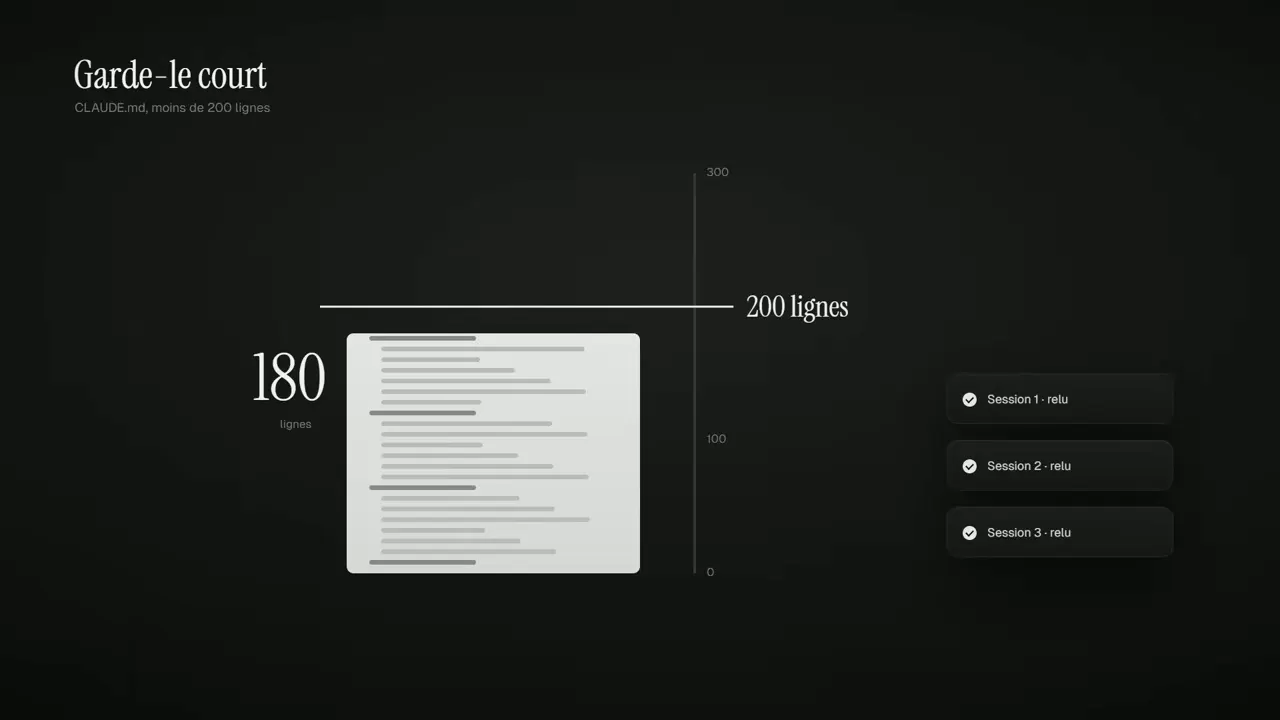
Aim for under 200 lines per file. To add a rule, ask Claude "add this to CLAUDE.md", or open it with /memory.
How to create a CLAUDE.md with /init
- Open Claude Code in your project folder.
- Type
/init. - Claude reads your code and writes a CLAUDE.md with the build commands, test instructions, and conventions it finds.
- Read it, cut what is obvious, and add the rules only you know.
If a CLAUDE.md already exists, /init suggests improvements instead of overwriting it.
Claude Code plan mode: plan before editing
In plan mode, Claude reads your files and explores the project, then writes a plan. It doesn't edit your code until you approve. Use it for any change bigger than a few lines.
- Turn it on: press Shift+Tab until the status bar shows
⏸ plan mode on. - For one prompt: start your message with
/plan. - From the start: launch Claude Code with
claude --permission-mode plan. - Approve: when the plan is ready, pick "Yes" to start the edits, or "No, keep planning". Press Ctrl+G to edit the plan yourself first.
Get the free Claude Code guide
Memory, modes, and the 3 other settings to know, step by step, with every prompt ready to copy.
Download the guideClaude Code commands to know
| Command | What it does |
|---|---|
/init | Writes a first CLAUDE.md for your project |
/memory | Lists and opens your CLAUDE.md files |
/plan | Runs one prompt in plan mode |
| Shift+Tab | Switches mode: normal, accept edits, plan |
/login | Logs in or switches account |
/config | Opens the settings |
claude --version | Shows the installed version |
claude doctor | Checks the install and your settings |
claude update | Updates Claude Code now |
Frequently asked questions
What is CLAUDE.md?
A text file Claude Code reads at the start of every session. It holds your build commands, conventions, and the rules Claude should always follow.
Where should I put CLAUDE.md?
At the root of your project to share it with your team, or in ~/.claude/CLAUDE.md for rules that apply to all your projects. Use CLAUDE.local.md for personal rules you don't commit.
How long should CLAUDE.md be?
Under 200 lines. Keep the facts Claude needs in every session, and move long procedures into skills.
How do I turn on plan mode in Claude Code?
Press Shift+Tab until the status bar shows plan mode, start one prompt with /plan, or launch Claude Code with claude --permission-mode plan.
About the author
 Maximin
I’m a software engineer, and I help businesses and individuals turn their ideas into real projects with AI agents.